Glass UI Montaj Hub

Glass icons, pinned to your footage.

Drop in a clip and your icons. Your AI frosts them in glass and pins them to the shot as it moves.

Make glass UI videos with AI in 3 easy steps.

  1. Step 1

    Add a clip and your icons.

    A moving shot over texture works best: leaves, a crowd, a city at night.

  2. Step 2

    Say it in a few words.

    Your AI frosts your icons in glass, pins them to the shot, and opens a comment on what matters.

  3. Step 3

    Post it.

    Save it in full quality, or schedule it with tools like Sprout Social or Metricool.
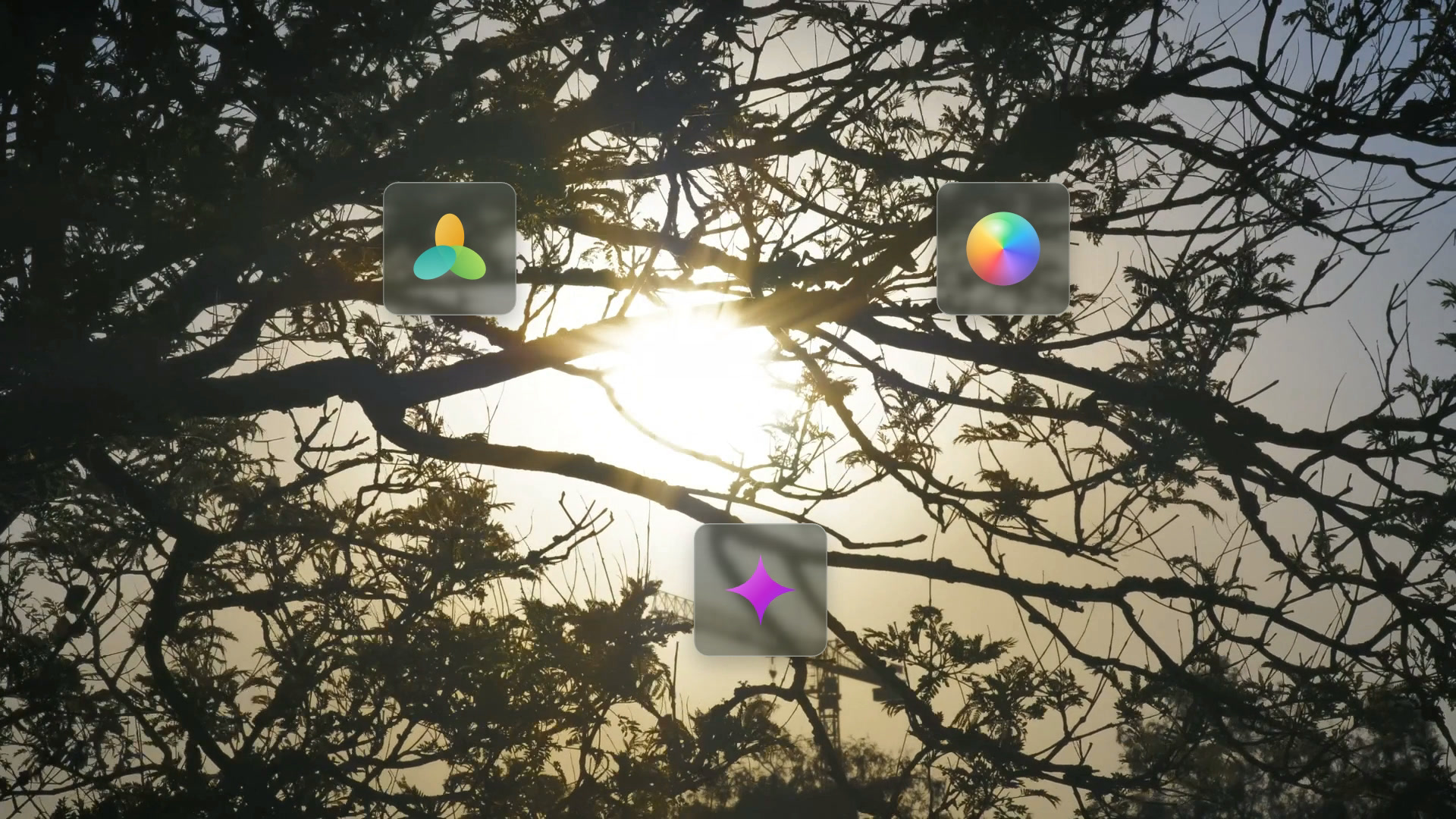
Real frosted glass.

Each icon sits on a blurred copy of your footage, so the glass frosts what is really behind it and rides the shot as the camera moves.

A comment that opens.

A glass pin sits on something in frame. A cursor glides in and it opens into your words.

Glass UI questions.

What footage works best?

A steady moving shot over fine texture, like leaves, a crowd or a city at night. The texture shows the frost and the motion shows the pinning.

Can I use my own icons?

Yes. Add your icons and your words. The glass look stays the same.

Do the icons follow the camera?

Yes. Each one is tracked to a point in your shot and moves with it.

Is it free?

Glass UI comes with Montaj Hub, which starts with 7 days free. Editing and export stay free.

ADMIT ONE

Make your first glass UI video.

Start 7-day free trial