Lower thirds Montaj Hub

Lower thirds that draw what you say.

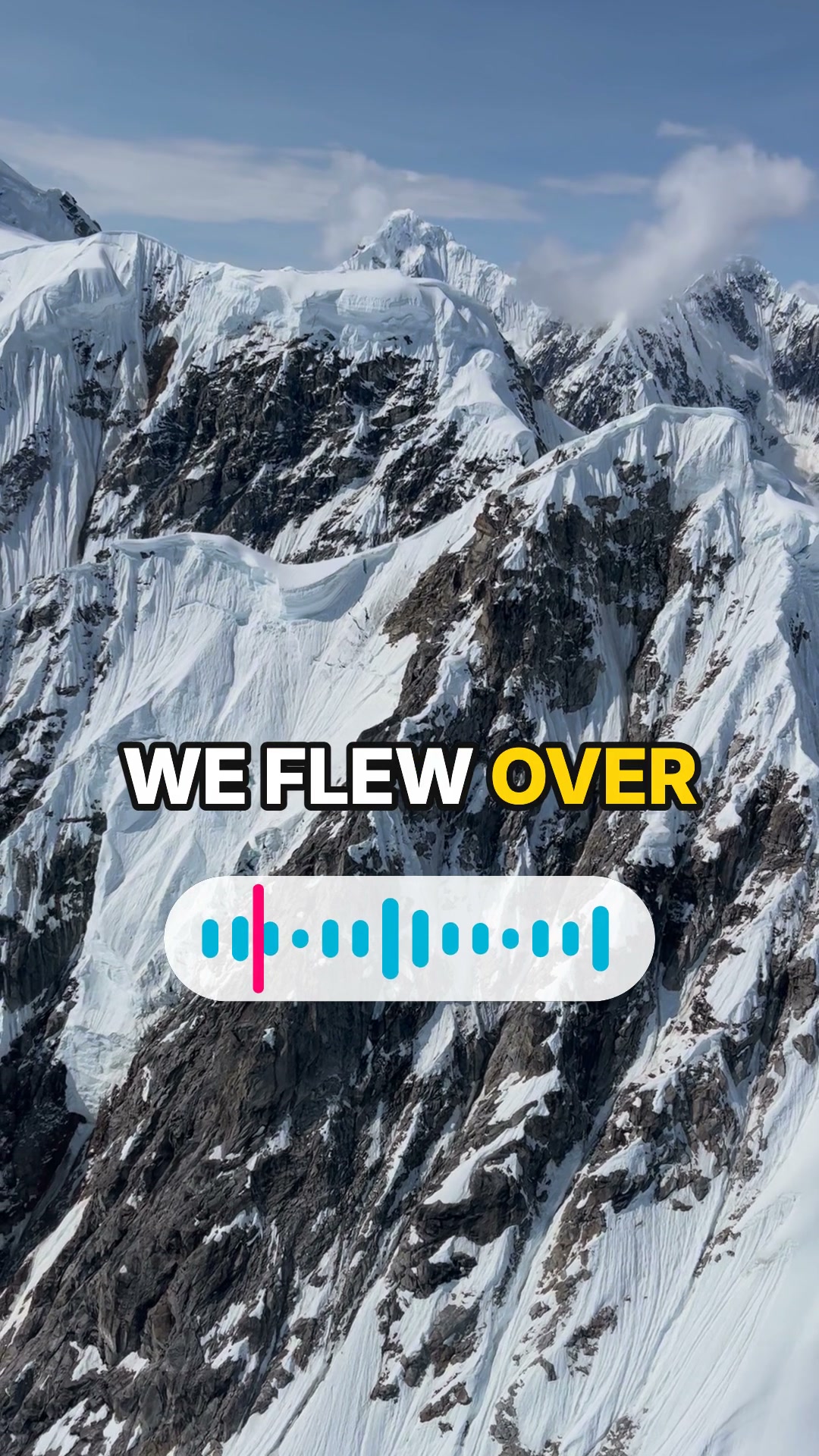
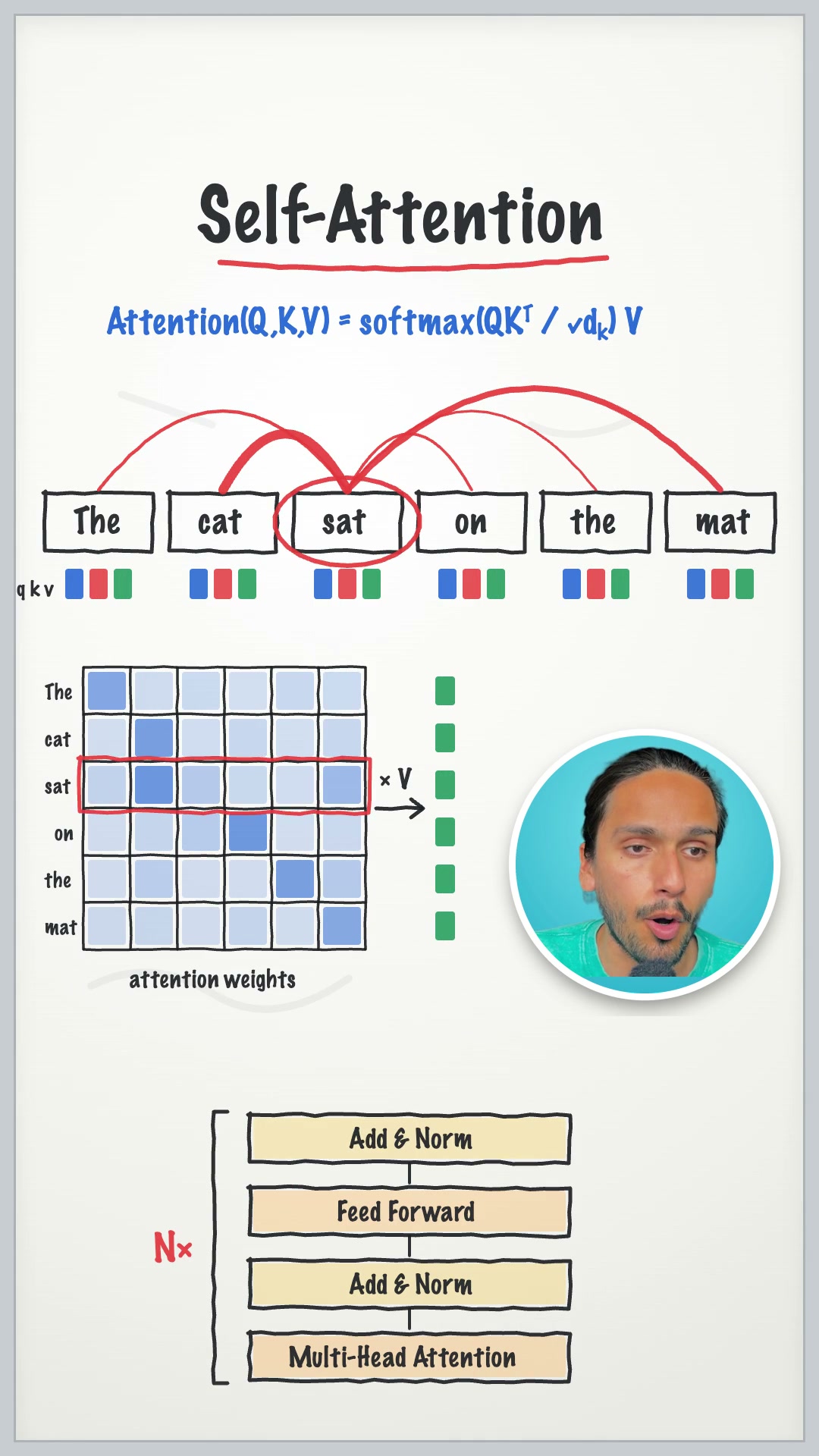
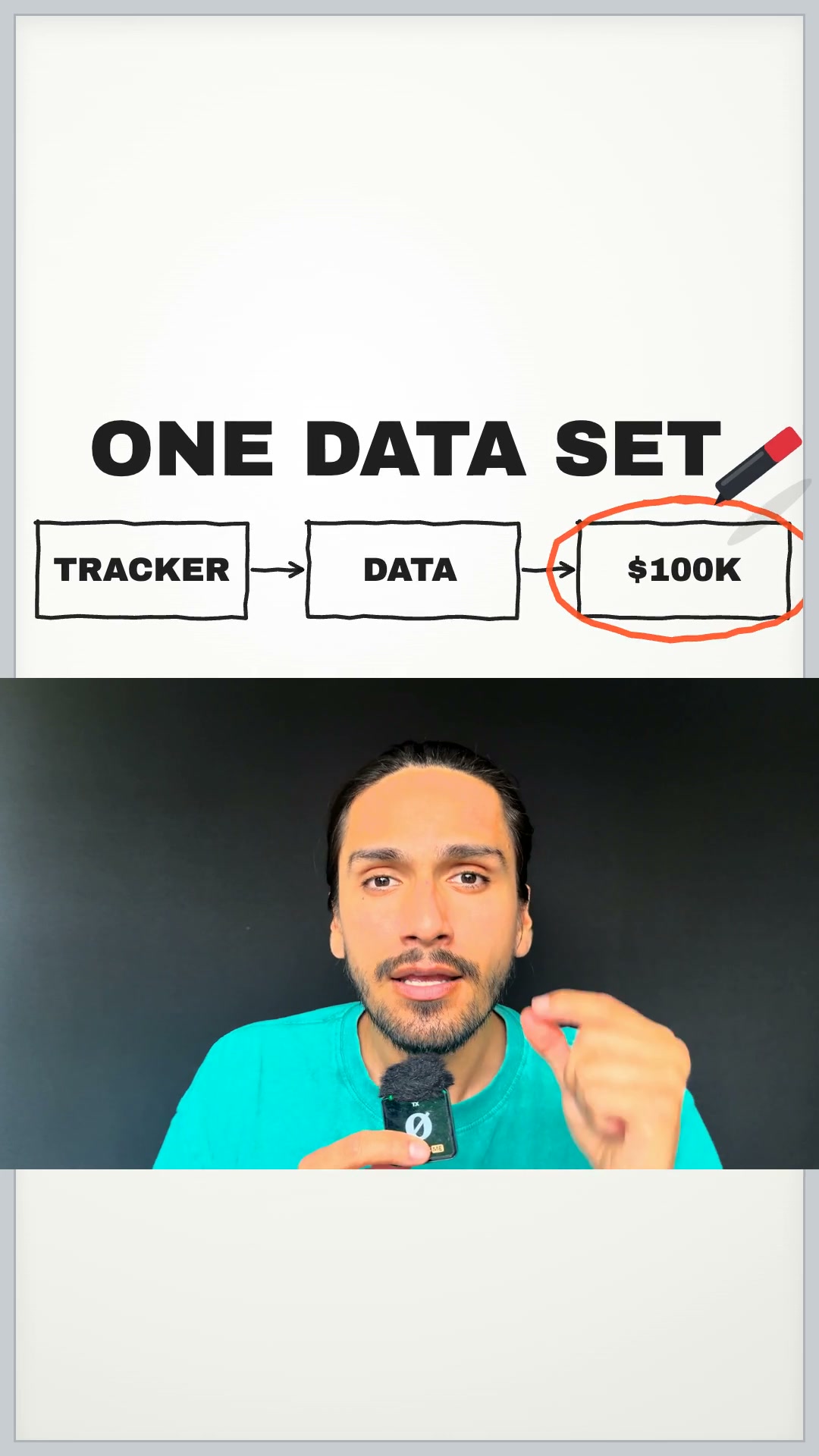
You talk along the bottom. Above you, your photos and a whiteboard that writes the key words as you say them.

Make lower thirds with AI in 3 easy steps.

  1. Step 1

    Drop in your clip.

    A talking clip, plus any photos you want to show.

  2. Step 2

    Say what it's about.

    Your AI finds the key words, writes them on a whiteboard and labels your photos.

  3. Step 3

    Post it.

    Save it in full quality, or schedule it with tools like Sprout Social or Metricool.

Your talk on the bottom. The story on top.

The lower third is you. Above it, a whiteboard writes the key words and your photos land as you mention them. Made for vertical, 9:16.

Clean talk first.

Silences, filler words and extra takes come out before anything is drawn.

Lower thirds questions.

What is a lower third?

The band across the bottom third of a video. In this template, that band is you, and the visuals for what you are saying fill the space above.

Do I need to draw anything?

No. Your AI writes the key words and draws the diagrams from what you say.

Which sizes can I make?

Vertical 9:16, for Reels, TikToks and Shorts.

Is Lower thirds free?

It comes with Montaj Hub, which starts with 7 days free. Editing, captions and export stay free.

ADMIT ONE

Make your first lower third.

Start 7-day free trial