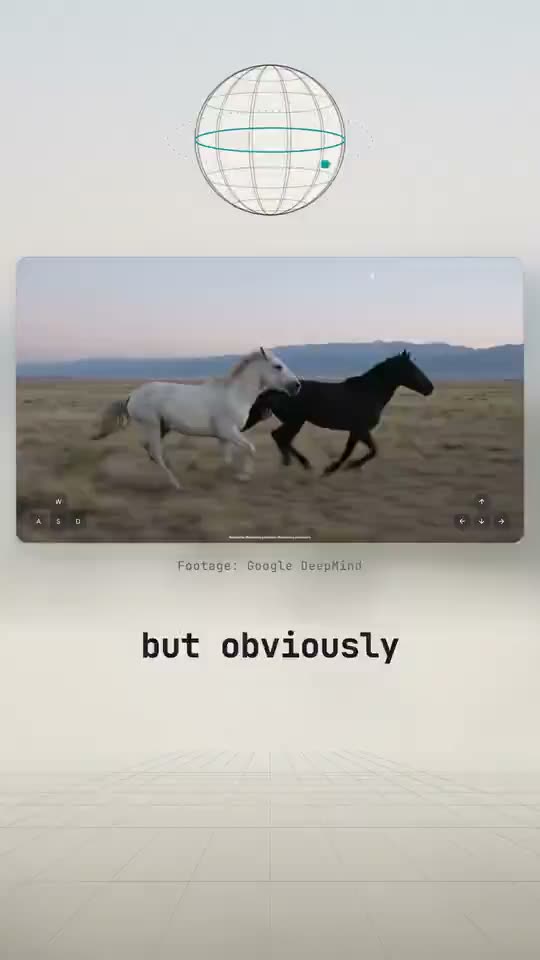
Animated Explainer

Explain how anything works.

Say what to explain. Your AI makes the video, in your voice or a generated one.

Make animated explainer videos with AI in 3 easy steps.

  1. Step 1

    Add your footage.

    Your clips or links, or none.

  2. Step 2

    Say what to explain.

    Record your voice, or have your AI generate one.

  3. Step 3

    Edit anything.

    Every word, drawing and 3D shot has controls in the editor. Render when it looks right.
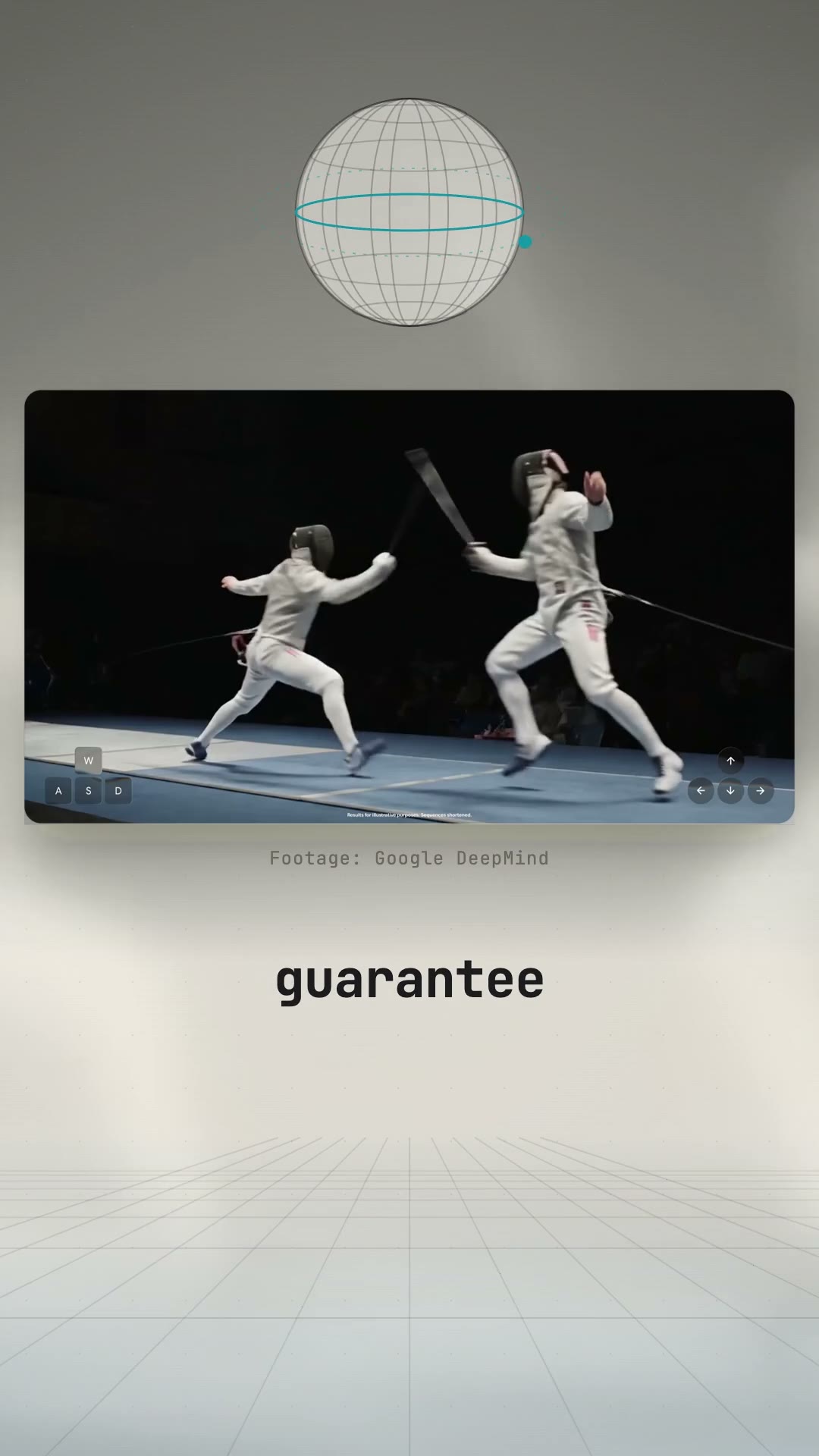
Watch one made in 3 minutes.

Real footage, or none.

Your footage opens full screen, then moves into a card. No footage? It opens on the animation.

Animation that explains.

Diagrams show how it works. 3D shots join where depth helps, with Montaj Hub.

Animated Explainer questions.

Do I need footage?

No. Real footage of the moment works best. Without it, the video opens on the animation.

How long is the video?

About 30 to 90 seconds, vertical, in short shots, with captions, a quiet music bed and a few sound cues.

Do I record my own voice?

Either way. Record your own narration, or have your AI generate the voiceover with your connected voice tools.

Are the facts right?

Your AI explains from sources, not from the footage alone. The diagrams are schematic: they show the idea, never a made-up layout.

Does it match my brand?

Yes. Colors, fonts and the caption style come from your brand profile or your prompt.

Can I change it?

Yes. Every word, drawing and 3D shot has controls in the editor.

Is it free?

Yes. Picking it, opening it and exporting it are free in Montaj, with captions. 3D shots (an exploded view, a cutaway, an object turning in space) come with Montaj Hub, which starts with 7 days free.

ADMIT ONE

Make your first animated explainer video.

Download for free