Talking head Free

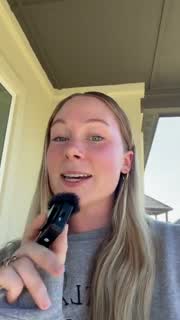
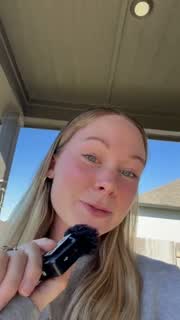
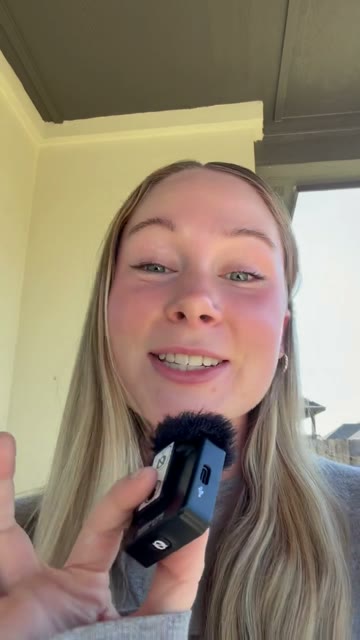
Talking head videos, cut to your best take.

Drop in every take. Montaj keeps the best one, trims the pauses and cuts the ums. Ask for a hook, then add captions in one click.

Edit talking head videos with AI in 3 easy steps.

  1. Step 1

    Drop in every take.

    All your clips, in any order. Montaj reads every one.

  2. Step 2

    Say it like you would to an editor.

    No editing words to learn. Montaj makes the first cut.

  3. Step 3

    Post it.

    Save it in full quality, or schedule it with tools like Sprout Social or Metricool.
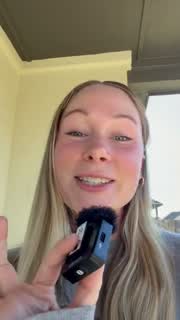
Jump cuts, done for you.

Pauses trimmed, your best take kept, the ums cut. Dead air comes out everywhere, so the video keeps moving.

A hook up front. Captions all the way.

Ask for big words in the first seconds and your name in a clean lower third, then add captions timed to your voice in one click.

Talking head questions.

What is a jump cut?

A cut that removes the pauses between what you say, so the video keeps moving. Montaj makes them for you.

I filmed a lot of takes. Does it pick one?

Yes. Montaj reads every clip and keeps the best take of each part. The rest are left out.

Does it add captions?

Yes, with one click in the editor. They are timed to your voice, and you can change any word and the look.

What size is the video?

The same shape as your footage. Film vertical and you get 9:16 for Reels, TikTok and Shorts.

Is it free?

Yes. The editor and the AI edit are free with your own Claude or ChatGPT. No account needed.

ADMIT ONE

Edit your next talking head.

Download for free