Motion graphics Montaj Hub
Motion graphics from a single prompt.
No footage needed. Your AI builds every frame, writes the music and cuts it to the beat.
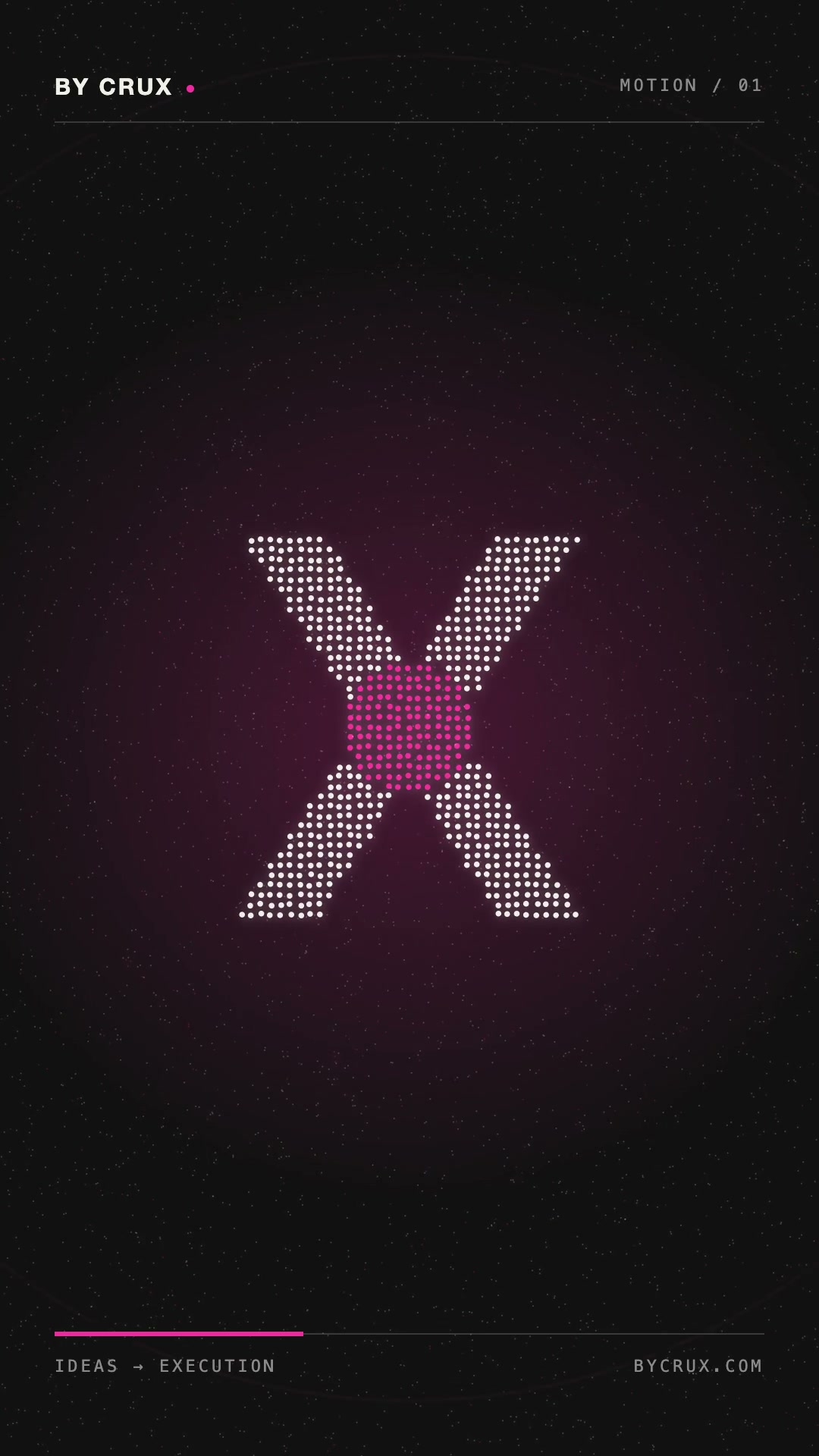 HubParticle filmsYour logo, built from particles.
 HubProduct launchA keynote-style launch film.
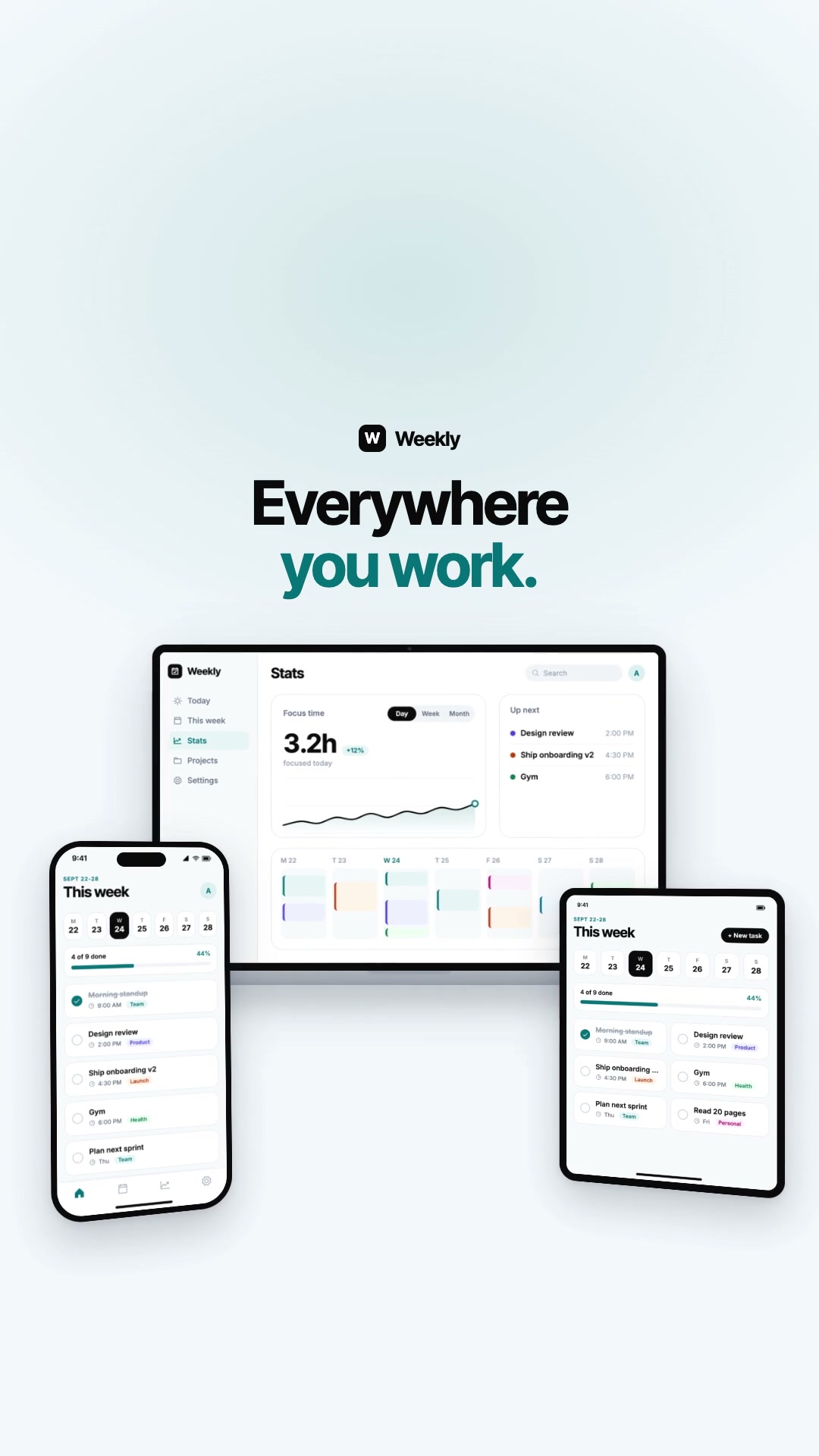 HubProduct demoYour app, moving on every screen.
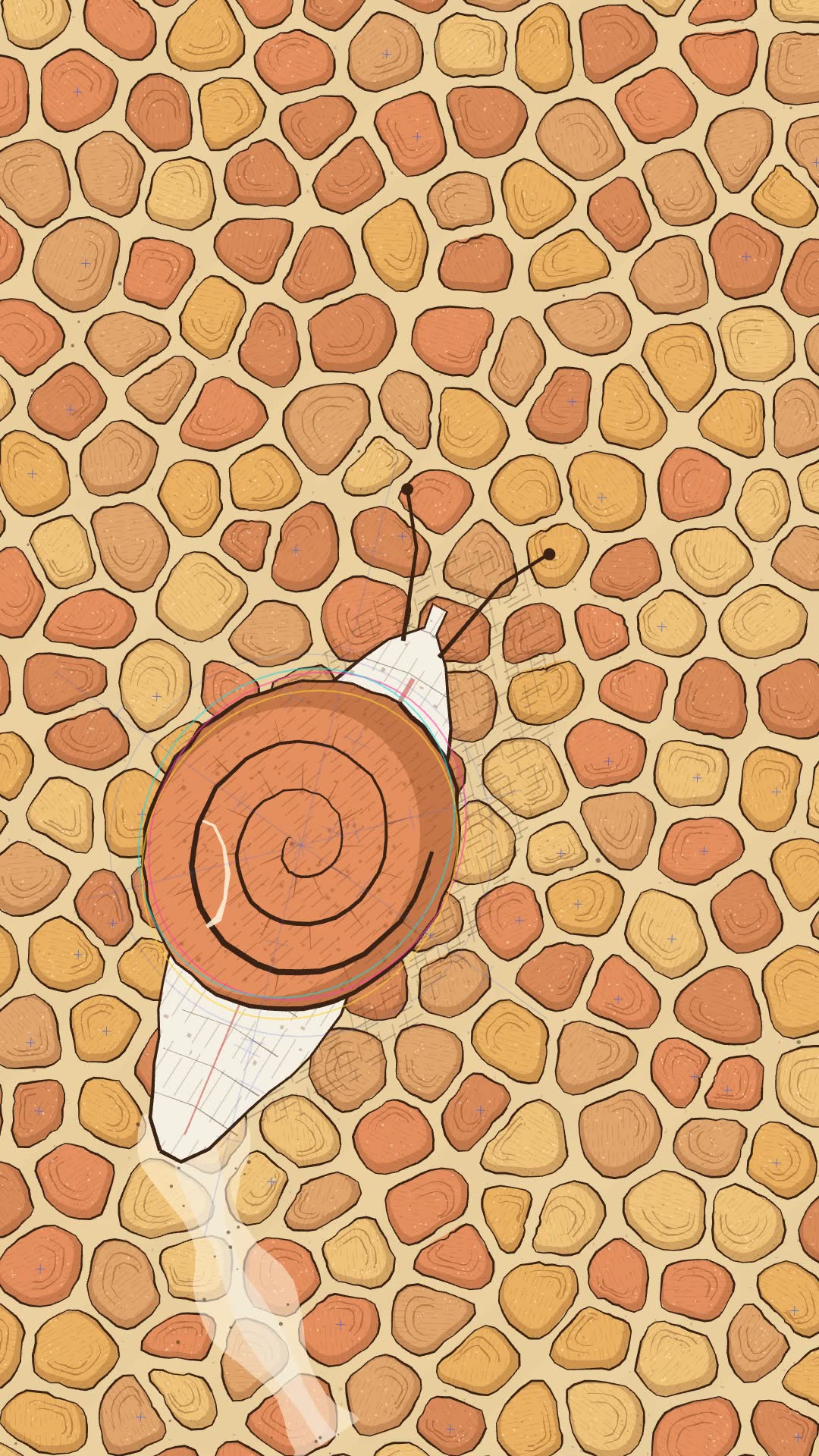 HubCode artA hand-drawn film, drawn in code.
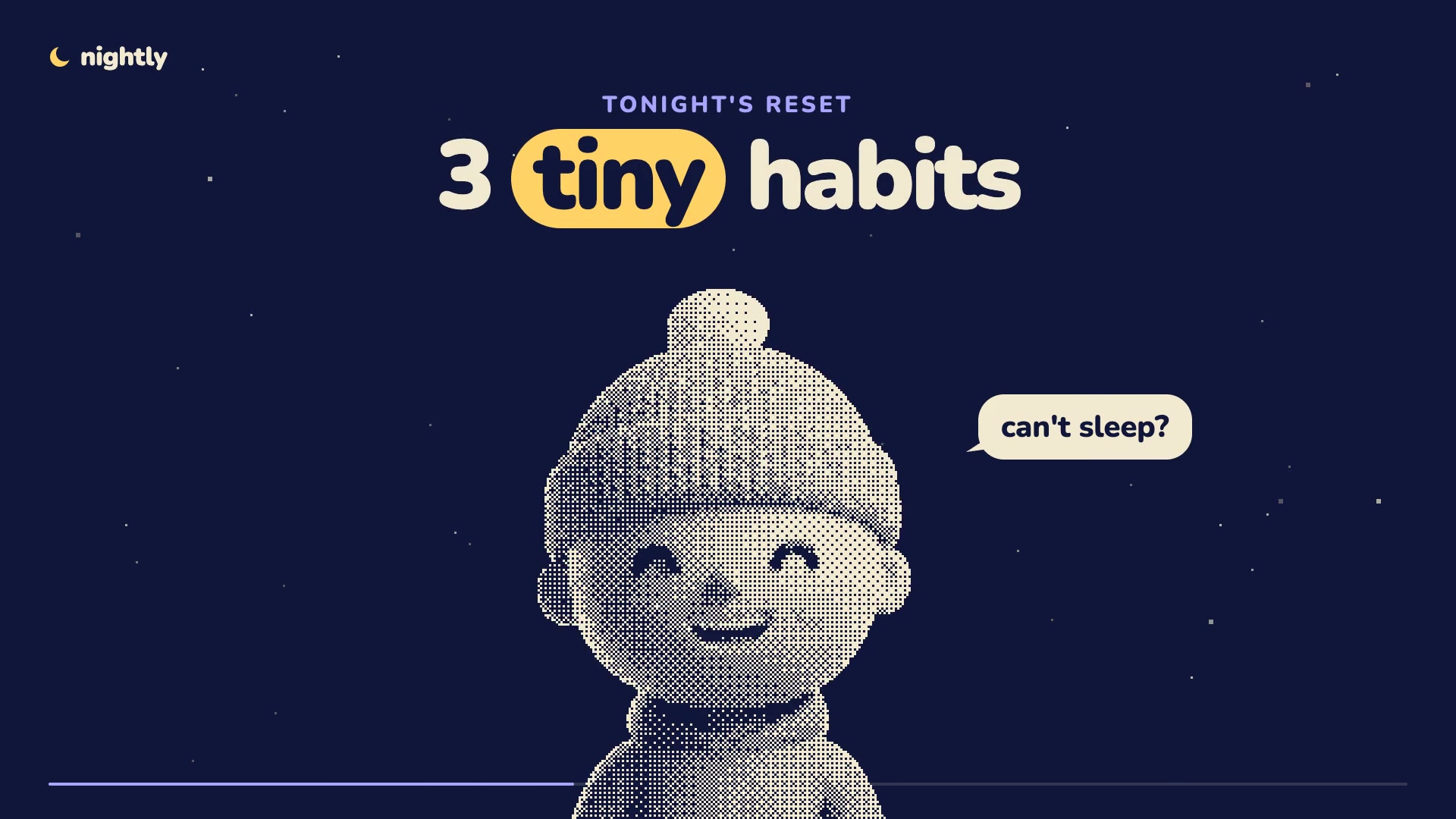 HubPoint cloud characterA dotted character hosts your video.
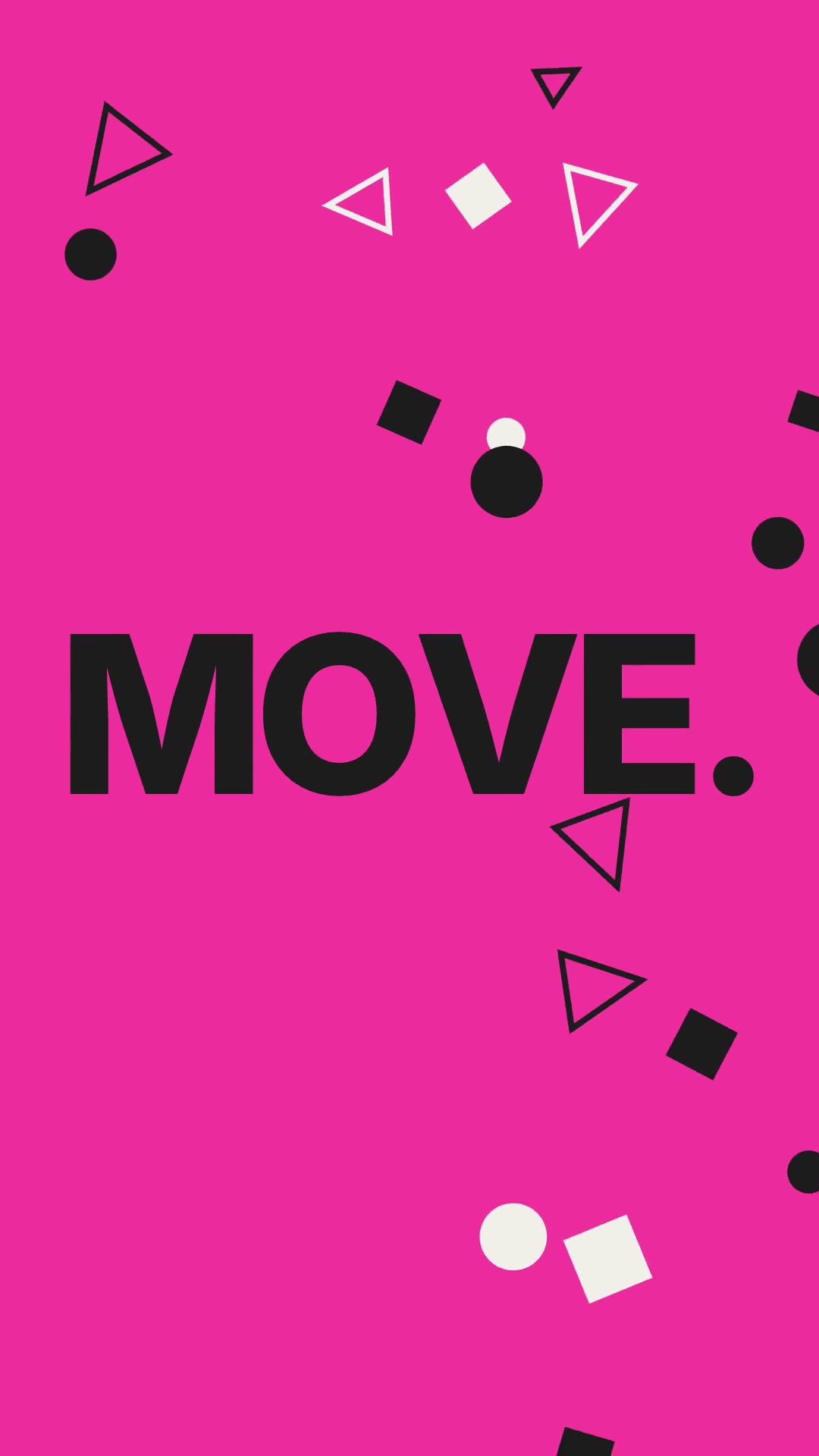 HubKinetic typeYour message, in bold moving type.
Make motion graphics with AI in 3 easy steps.
Step 1
Pick a format.
Particle films, a launch film, a hand-drawn short or bold moving type.
Step 2
Describe it. Add your logo.
Your AI writes the film, composes a music bed and cuts every shot to the beat.
Step 3
Post it.
Save it in full quality, or schedule it with tools like Sprout Social or Metricool.
Music included.
Your AI composes a music bed and sound effects first, then cuts the film to them.
Your brand in every frame.
Add your logo once. Particle films builds it from about 5,200 glowing particles.
Motion graphics questions.
Do I need footage?
No. These templates are drawn in code, so a prompt and your logo are enough.
Where does the music come from?
Your AI composes a music bed and sound effects for each film, then cuts to it.
Can I change a frame?
Yes. Every film opens in the editor, where you can change anything.
Is it free?
Motion graphics come with Montaj Hub, which starts with 7 days free. Editing and export stay free.