3D models Montaj Hub

A 3D character, built by your AI.

Describe it, show a picture or start from a preset. Approve it live, then your AI animates it.

Make 3D videos with AI in 3 easy steps.

  1. Step 1

    Describe it or show a picture.

    Or start from a preset. Your AI builds the model as you watch.

  2. Step 2

    Tweak it, then approve.

    Change colors and parts live. No video is made until you approve.

  3. Step 3

    Watch it move.

    Your AI writes the moves and the camera. Save it in full quality, or schedule it.
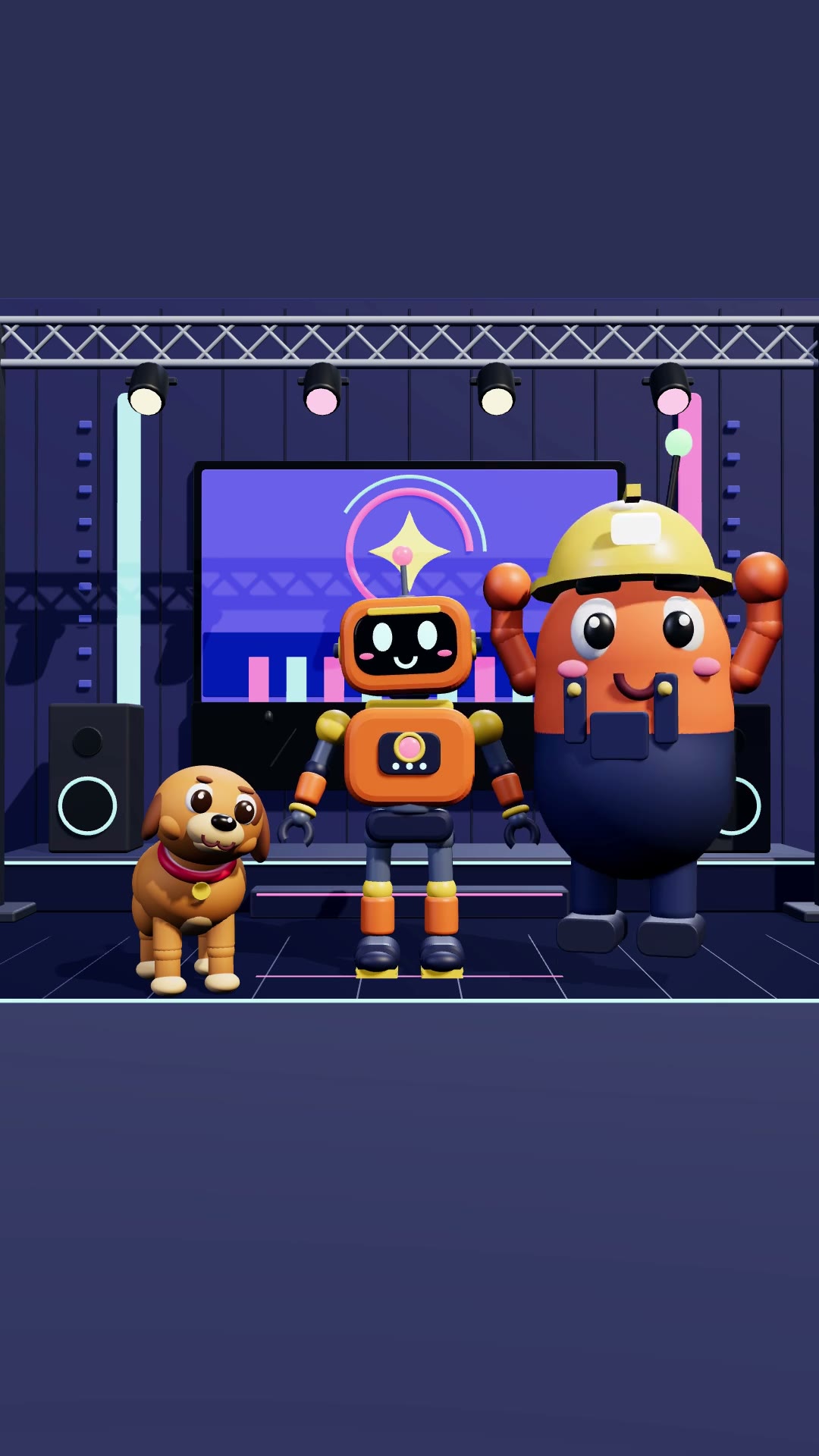
Any model, not just characters.

A character, a product on a stand, your logo in 3D, or a whole set like a room or a park. Your AI builds it from your words or a picture.

Yours to keep.

Save a model to your Library and bring it back in the next video. On Studio, share it with your team in the Brand Kit.

3D model questions.

Do I need 3D software?

No. Montaj builds and renders the model itself. Nothing else to install.

Can I see it before the video is made?

Yes. You see the model live, change it, then approve it. No video is made until you do.

Can I start from a picture?

Yes. Give your AI an image and it builds the model from it.

Can things fall and bounce?

Yes. Objects can fall, bounce and tumble, and an antenna or a rope swings as the model moves.

Can it have a set around it?

Yes. Start from a ready-made set, like a toy factory with props already moving, or let your AI add props.

Can I reuse a model?

Yes. Save it to your Library. On Studio, share it with your team.

Is it free?

3D models come with Montaj Hub, which starts with 7 days free. Editing and export stay free.

ADMIT ONE

Make your first 3D video.

Start 7-day free trial