Engineering Explainer Montaj Hub

Freeze the moment. Draw the physics.

Give your AI your narration and the real footage. It freezes the impossible frame, then draws how it works.

Make engineering explainer videos with AI in 3 easy steps.

  1. Step 1

    Add your footage and narration.

    The real moment, plus your voice, one take per idea. Files or links.

  2. Step 2

    Say what to explain.

    Your AI freezes the impossible frame, then draws the mechanism one take at a time.

  3. Step 3

    Post it.

    Save it in full quality, or schedule it with tools like Sprout Social or Metricool.
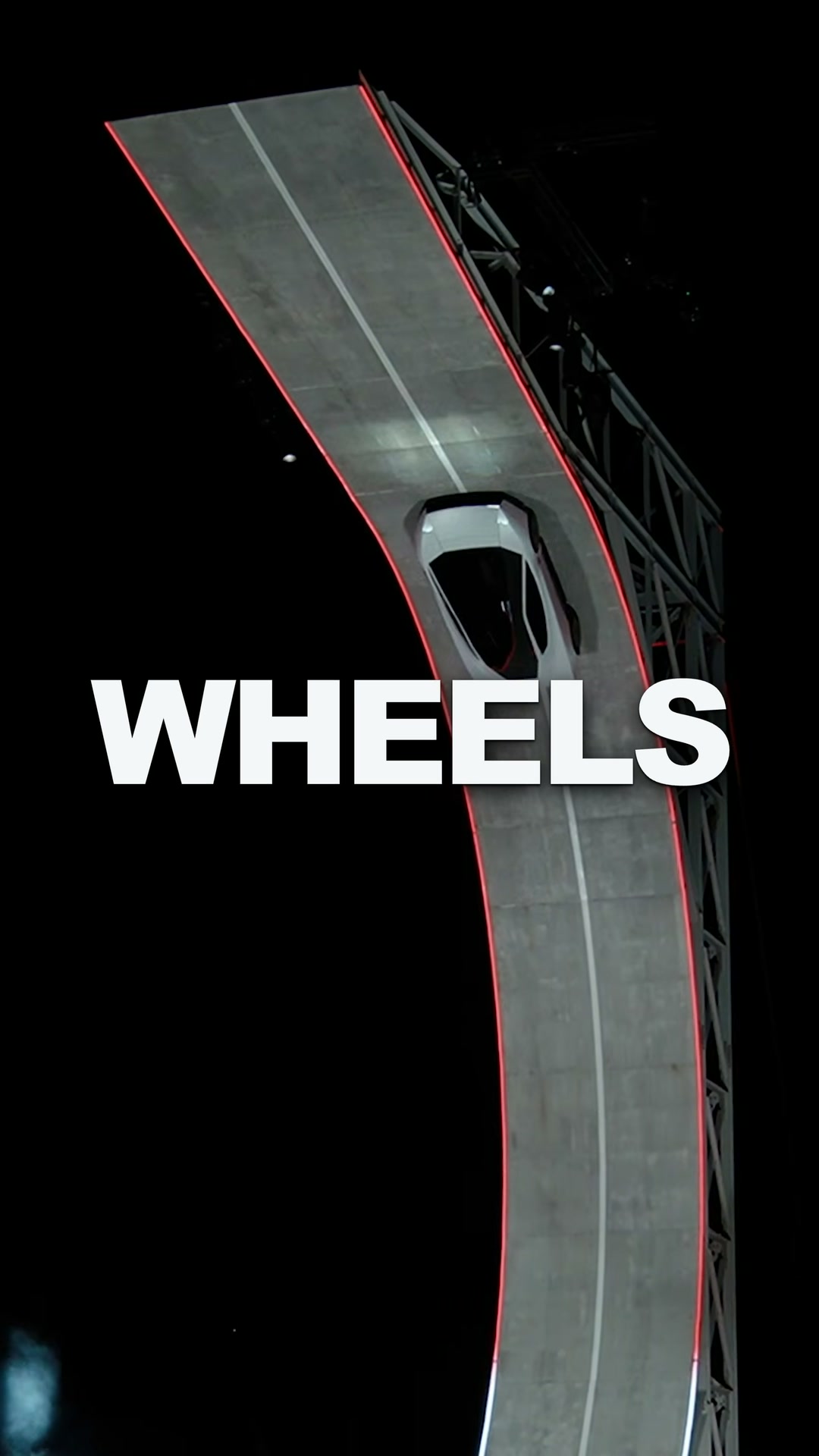
The moment, frozen.

Huge words land one at a time over your real footage, then it freezes on the impossible frame and asks the question.

The physics, drawn.

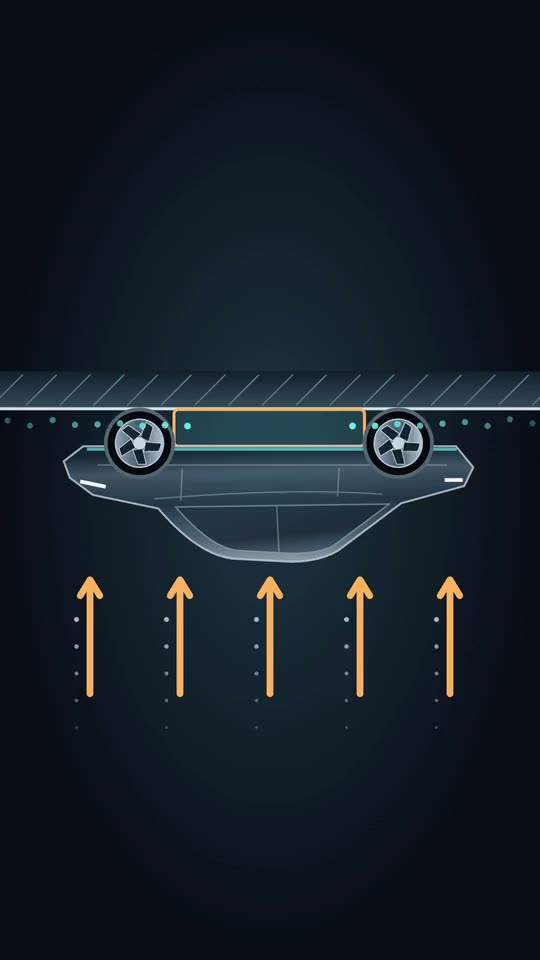
Each narration take becomes one diagram, with air in cyan, forces in amber and nothing written on the drawing.

Engineering Explainer questions.

What footage works best?

Real footage of something that looks impossible, like a stunt, a machine or a launch, with a few seconds either side. A clip of the same principle elsewhere becomes the proof.

How long is the video?

About 60 to 90 seconds, vertical, with captions, a quiet music bed and a few sound cues.

Are the facts right?

Your AI explains from sources, not from the footage alone. The diagrams are schematic: they show the principle, never a made-up layout.

Can I change it?

Yes. Every word, diagram and marker has controls in the editor.

Is it free?

Engineering Explainer comes with Montaj Hub, which starts with 7 days free. Editing and export stay free.

ADMIT ONE

Make your first engineering explainer video.

Start 7-day free trial